EN
EN

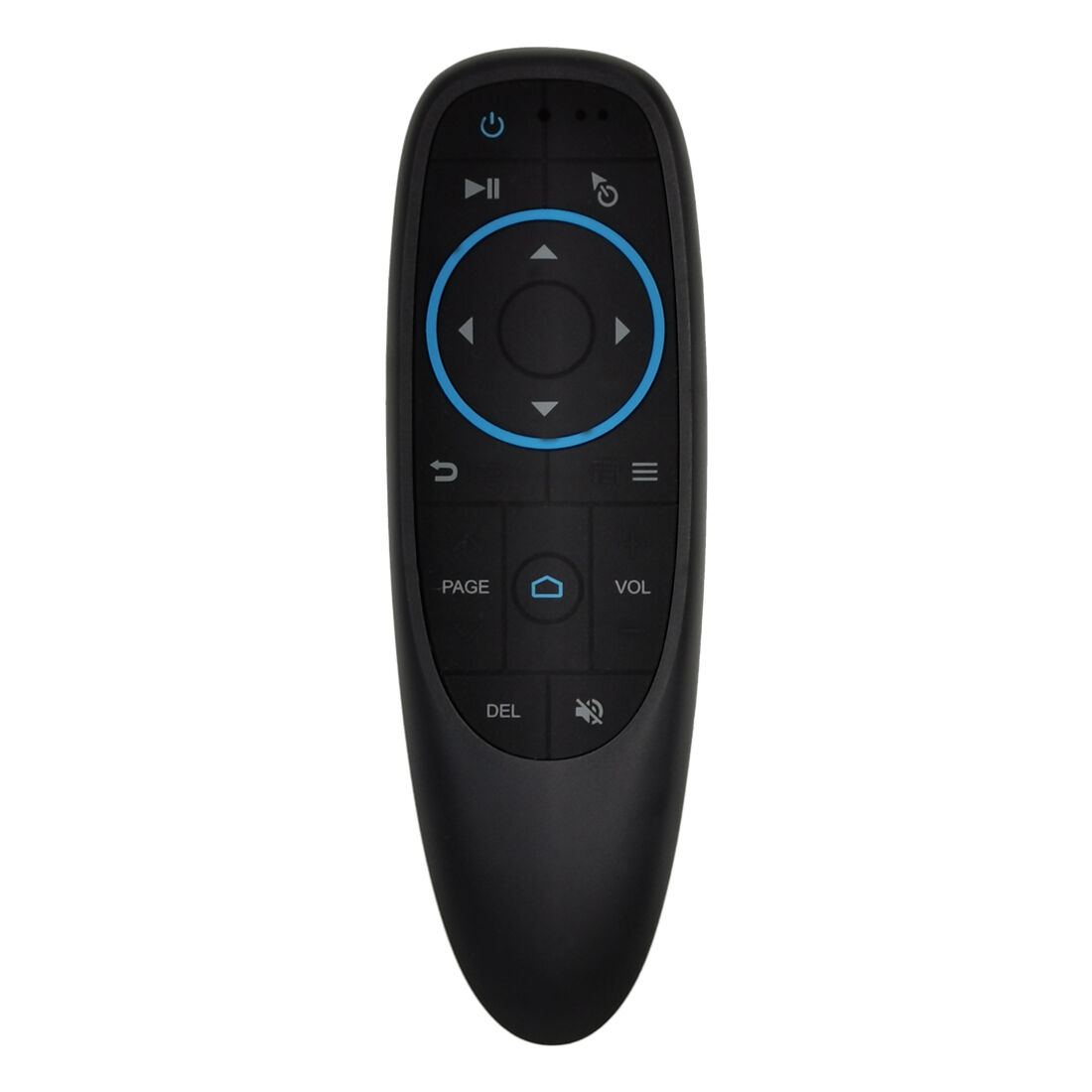
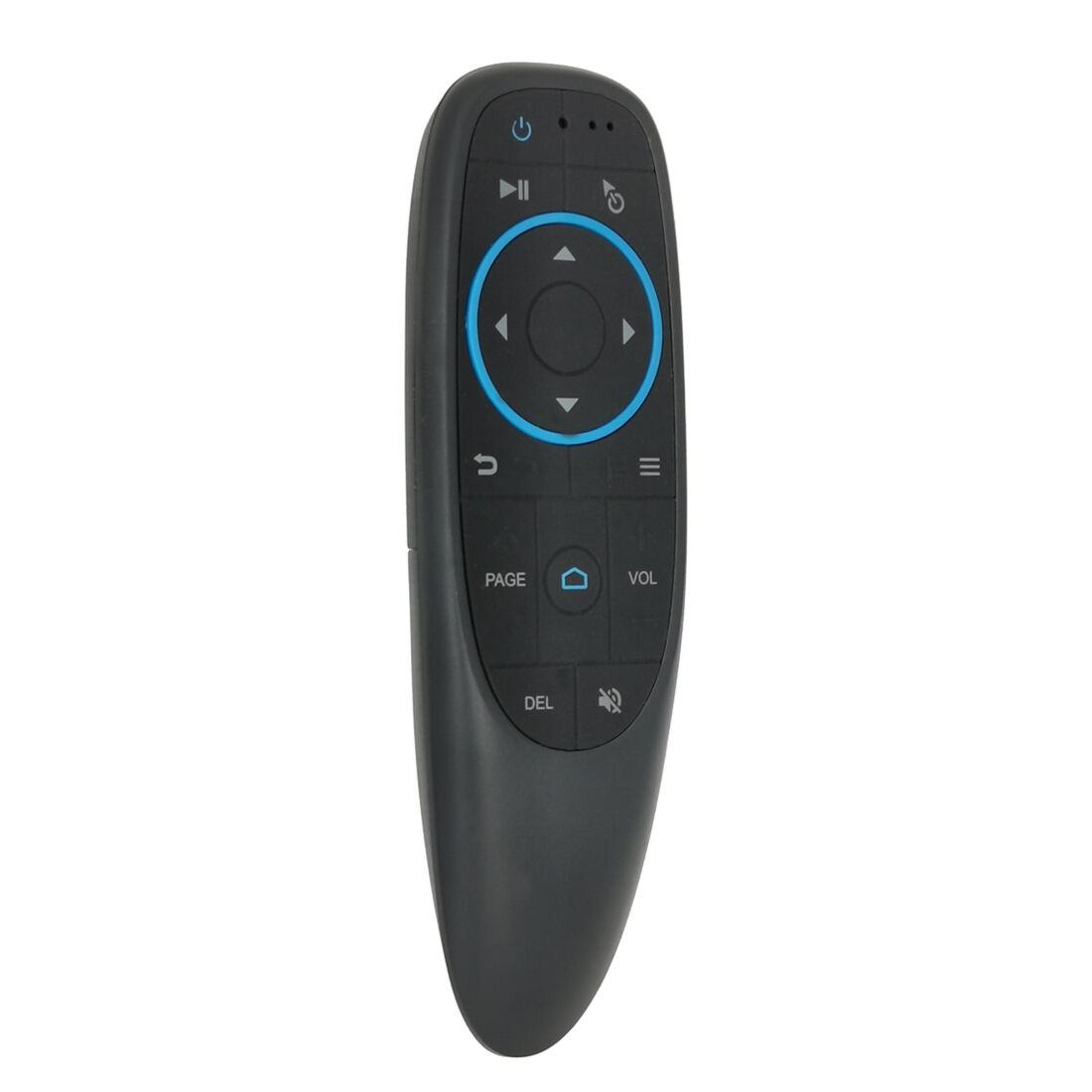
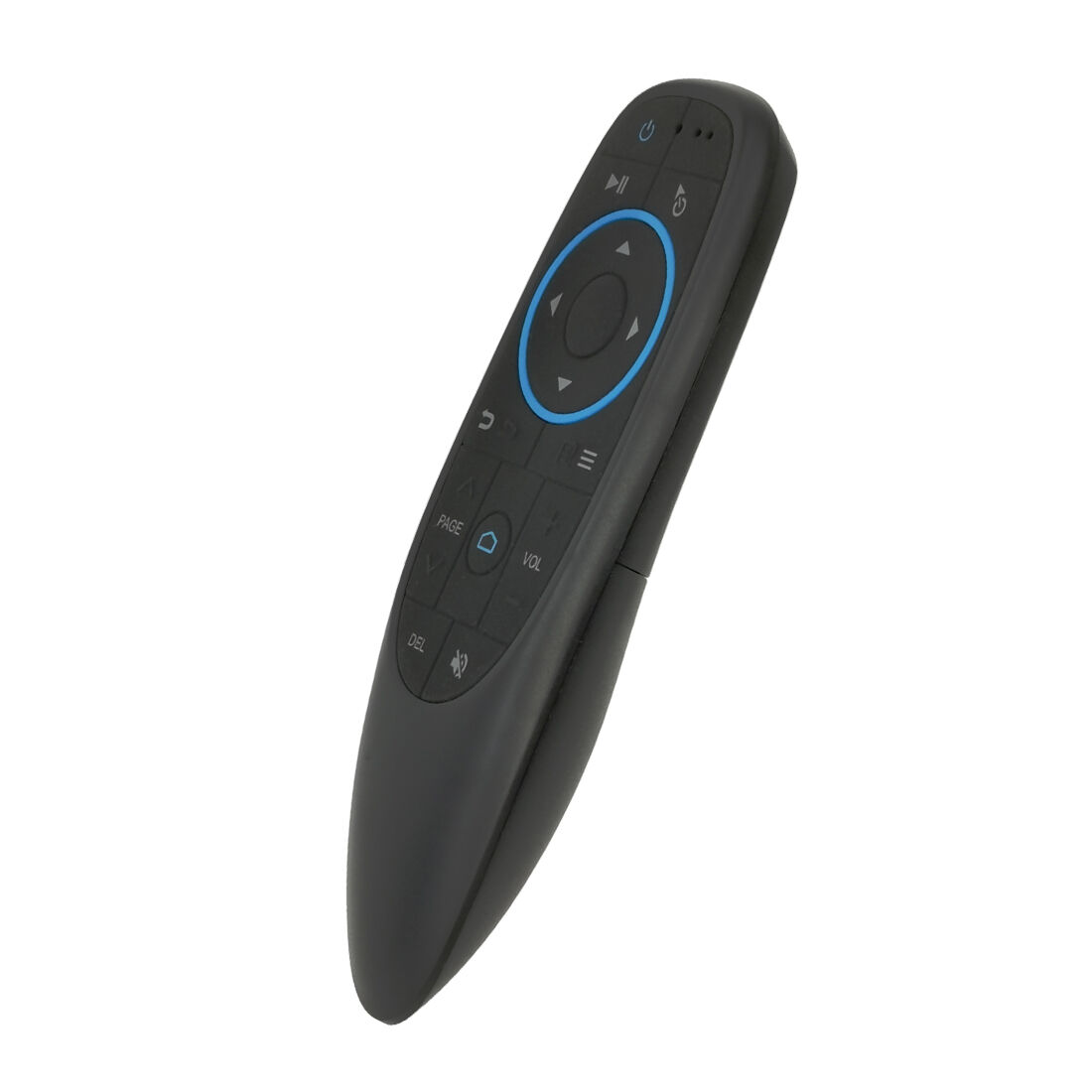
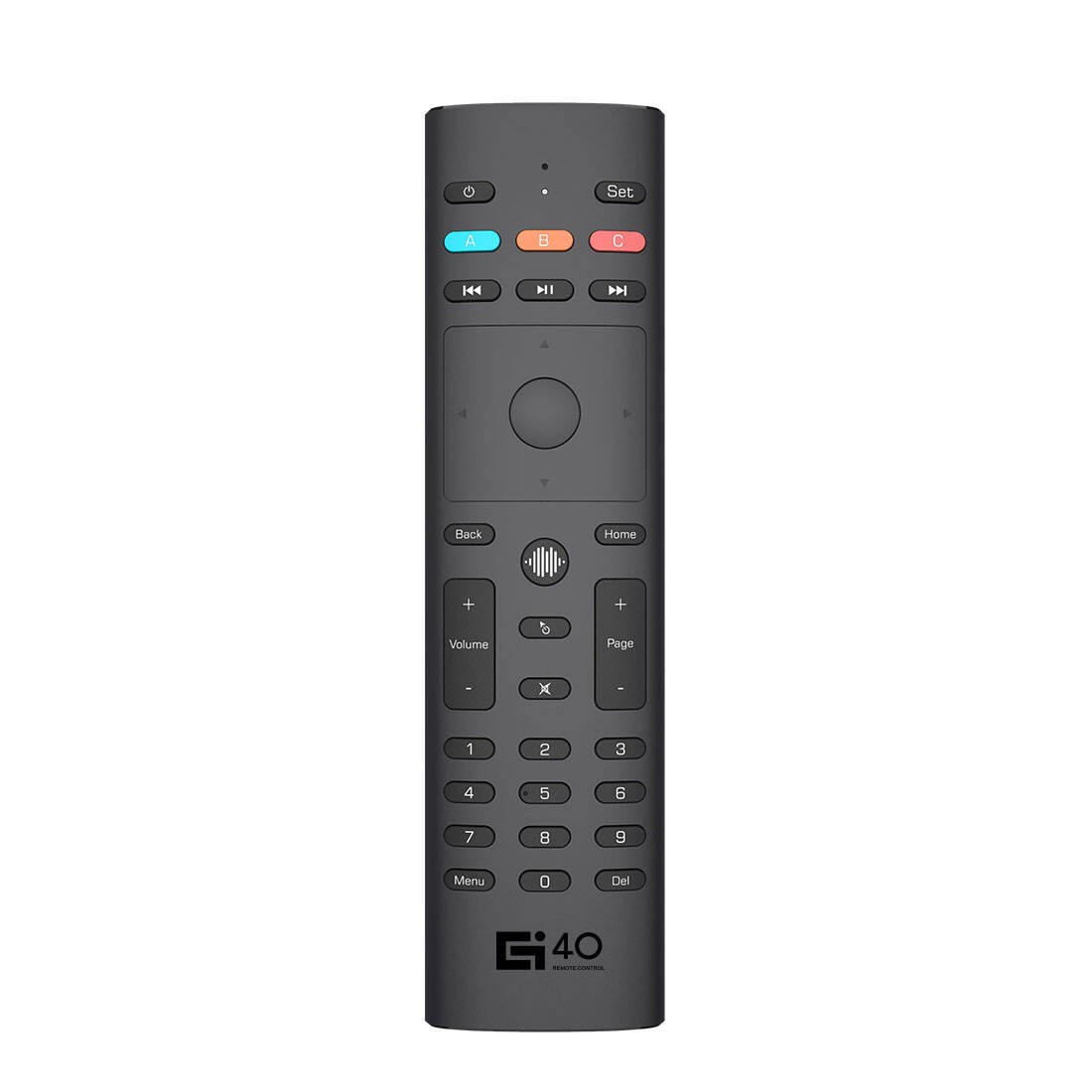
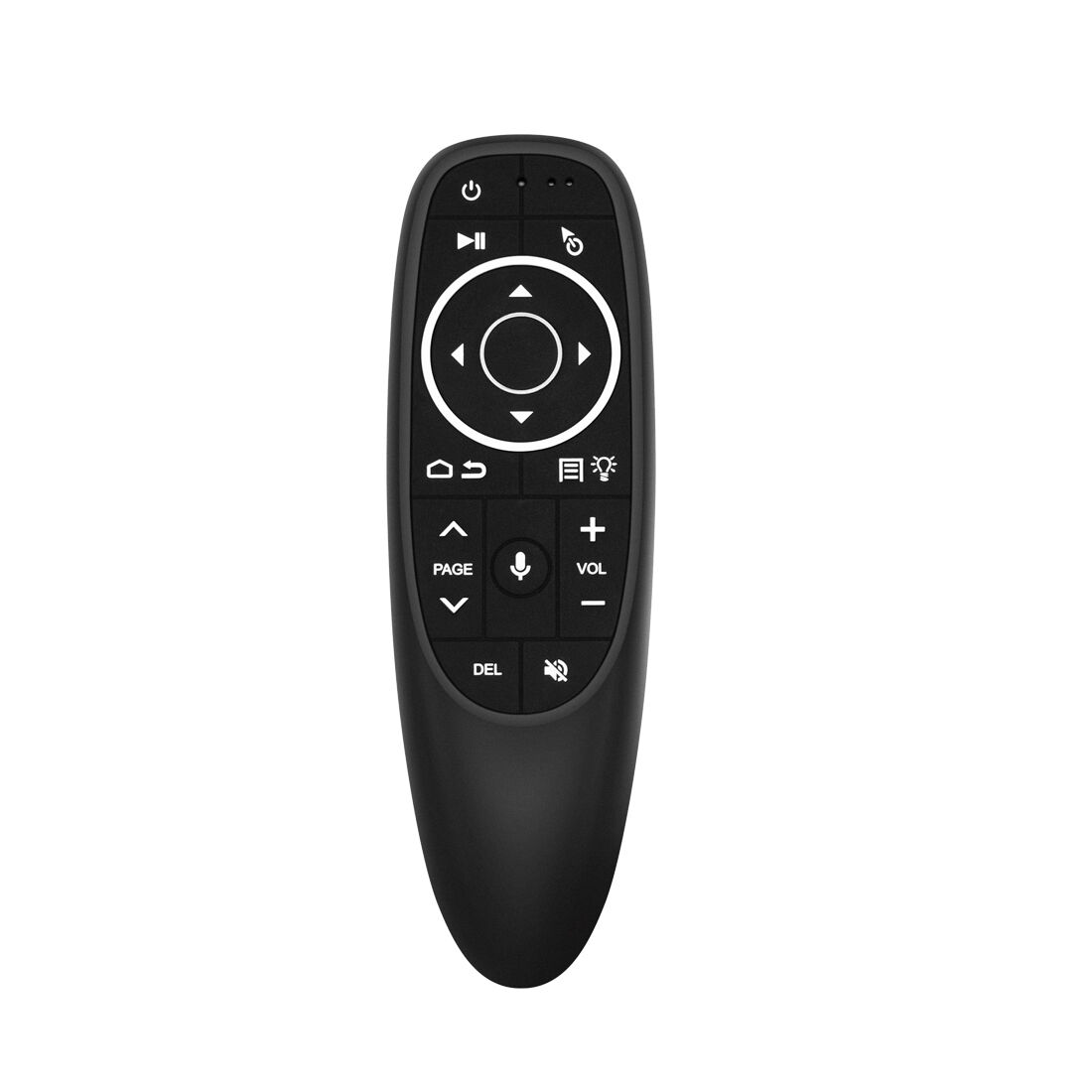
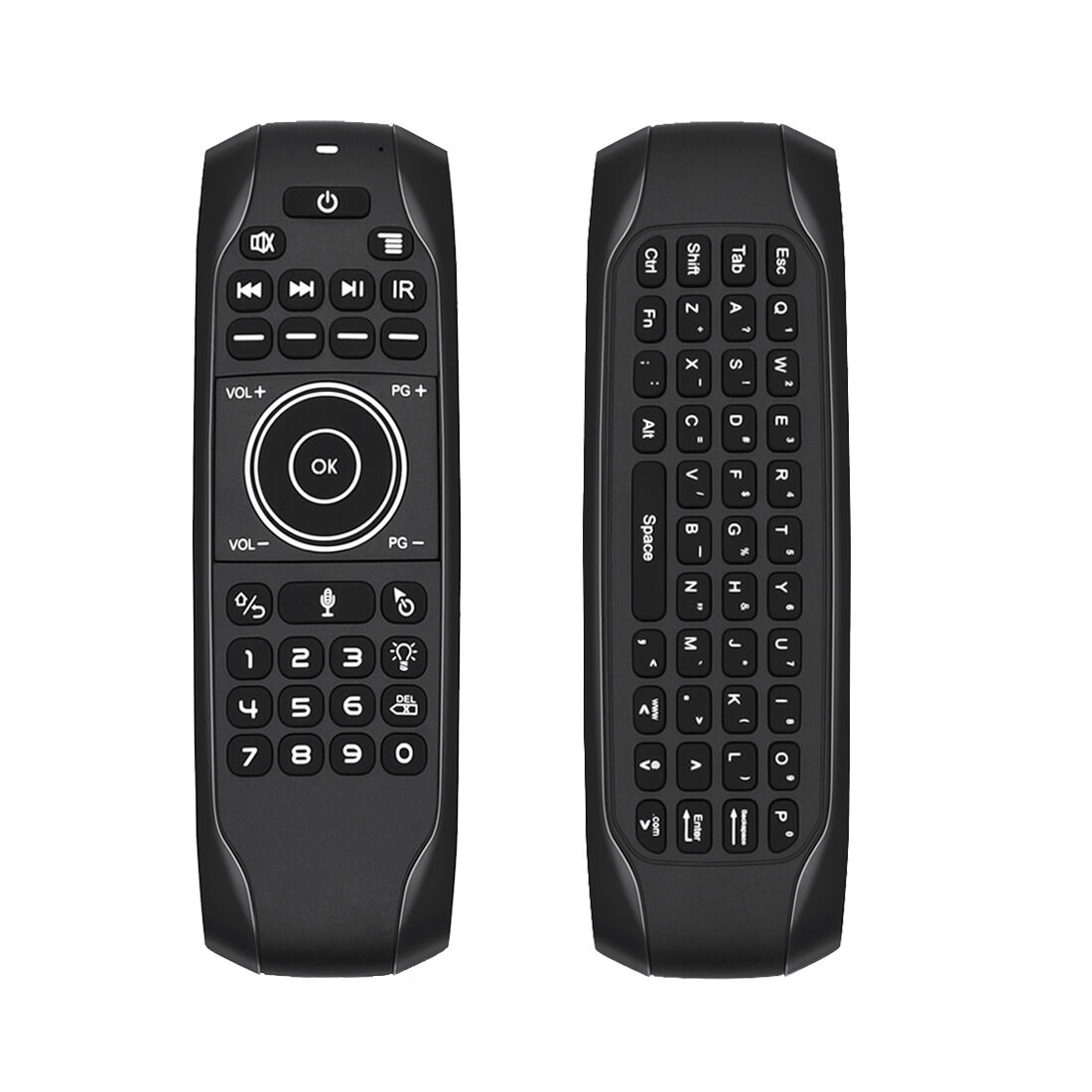
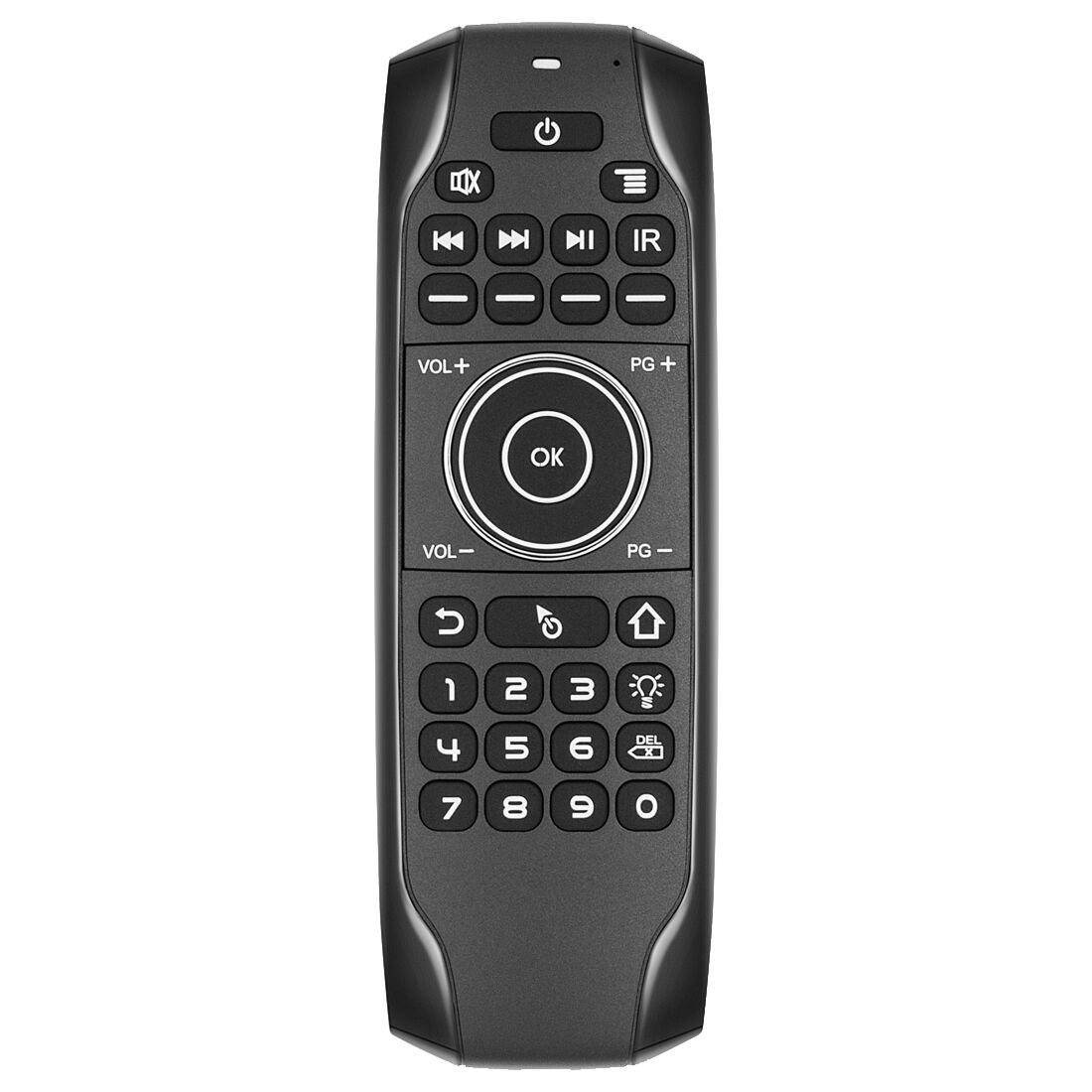
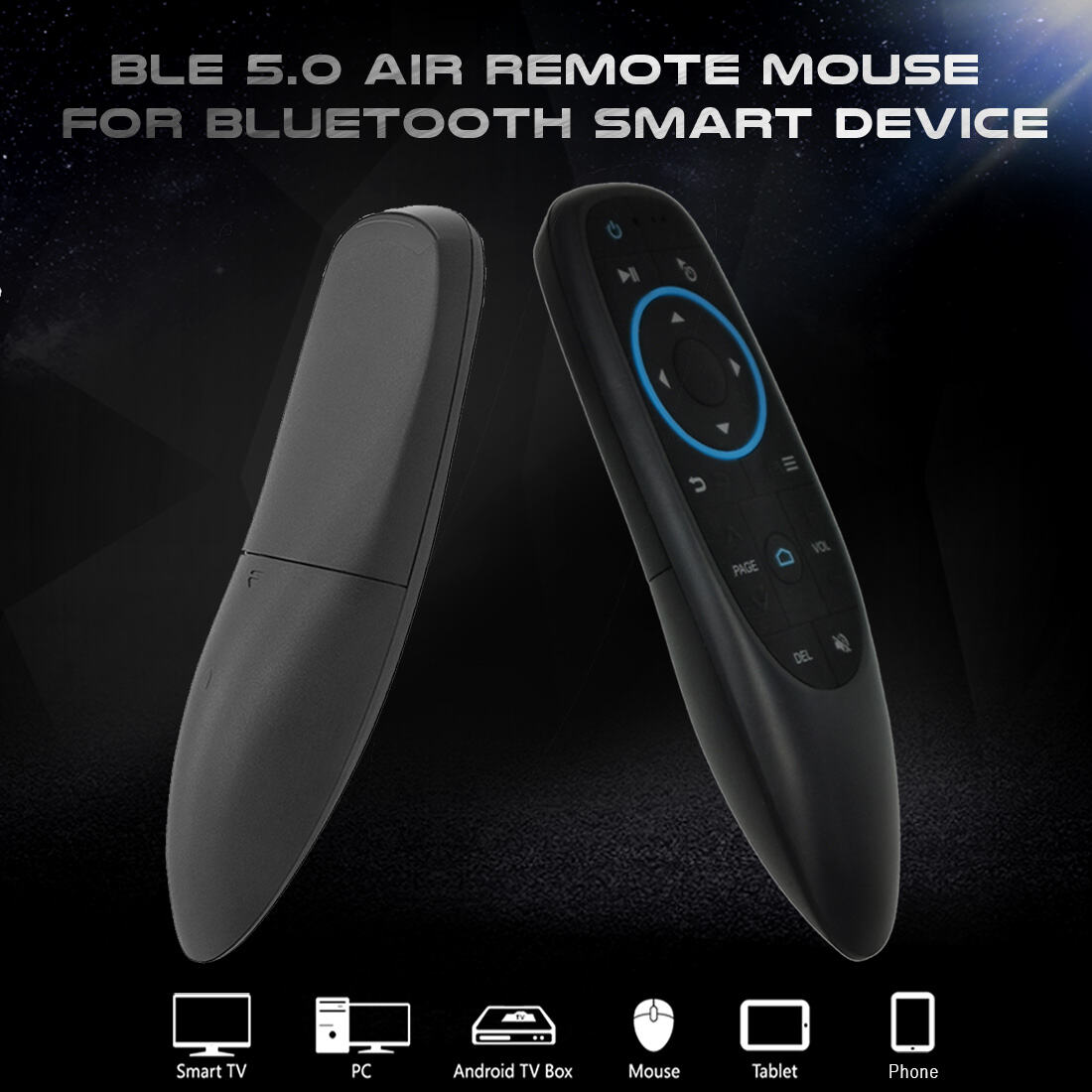
With Backlight 6-Axis Gyroscope Motion Sensor IR Learning For Android TV Box /Smart TV/PC/Laptop/Projector
| Transmission Method | Bluetooth |
| Sensors | 6 Axis Gyroscope |
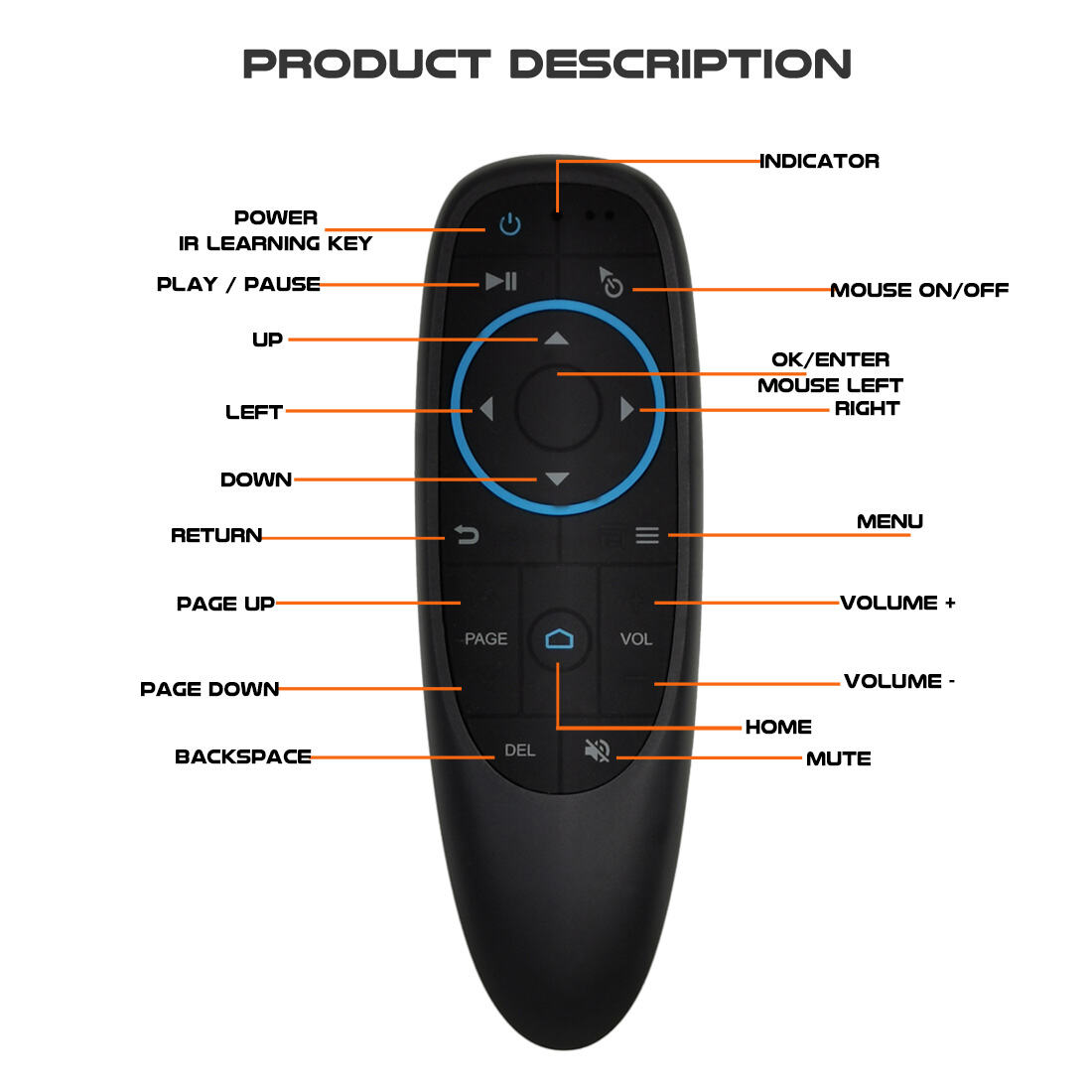
| Number of Keys | 17keys |
| IR Learning | Yes |
| Wireless Range | 8-10m |
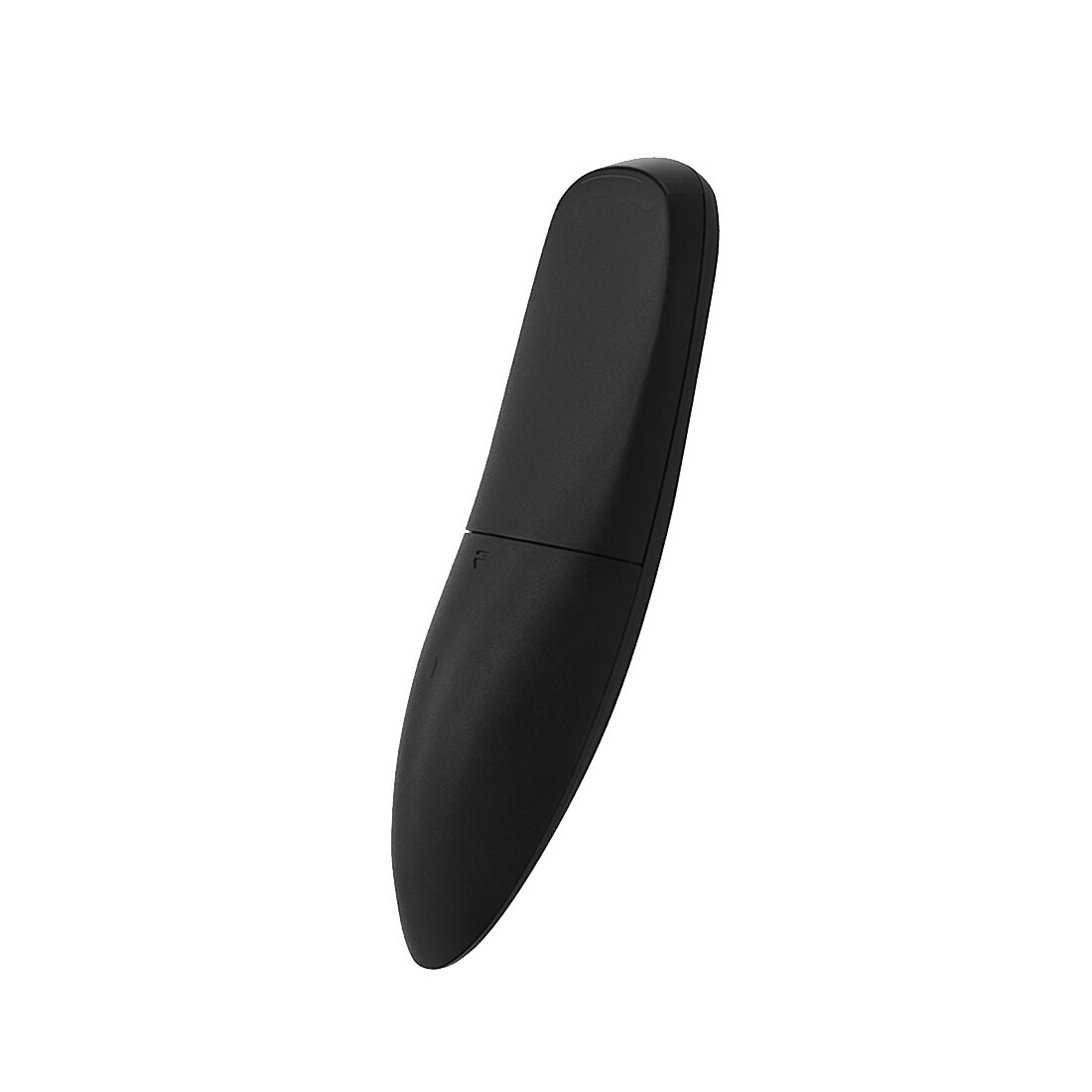
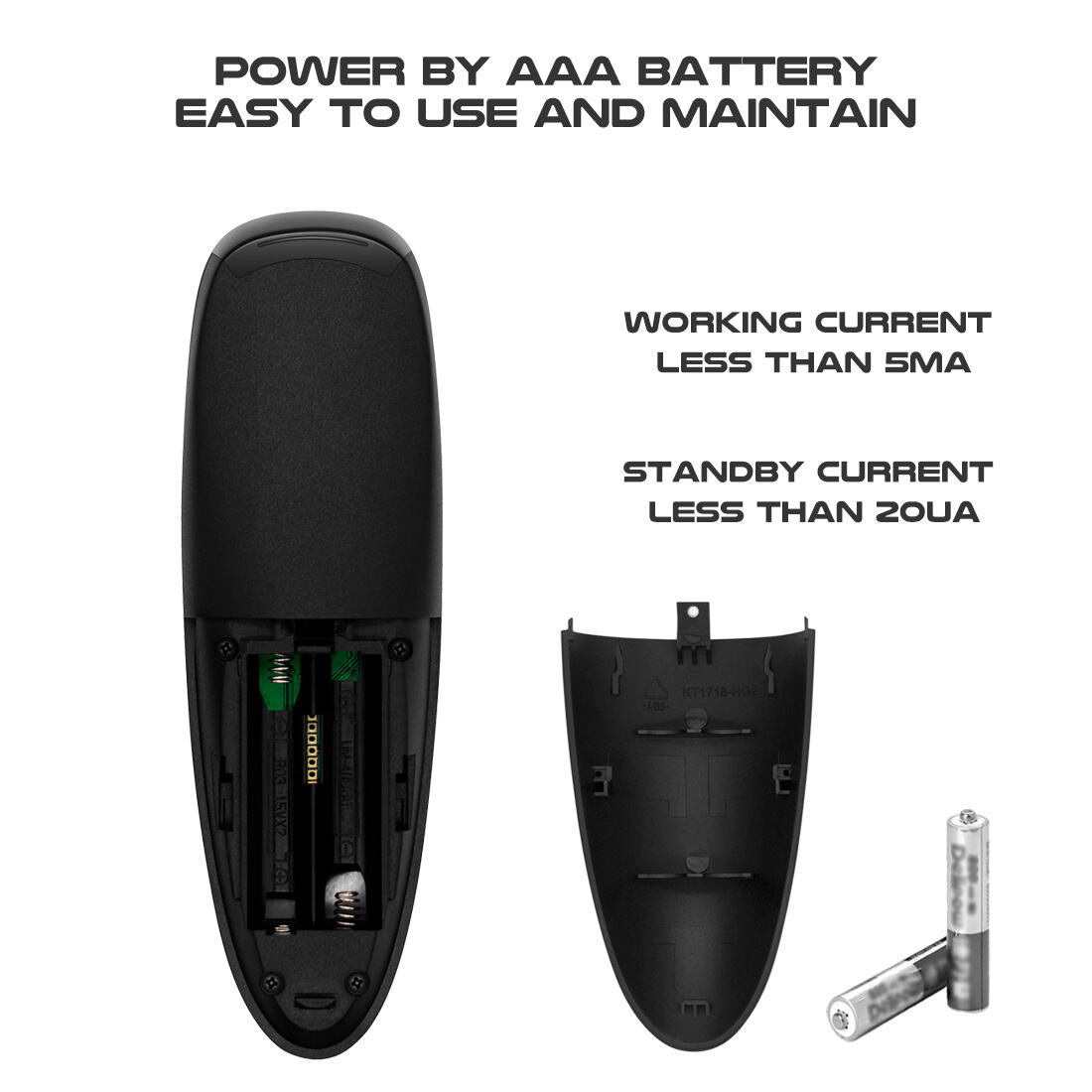
| Battery Type | 2 x AAA |
| Material | ABS Plastic and Silicone |
| Product Weight | 50g |
| Product Size | 144*45*23mm |
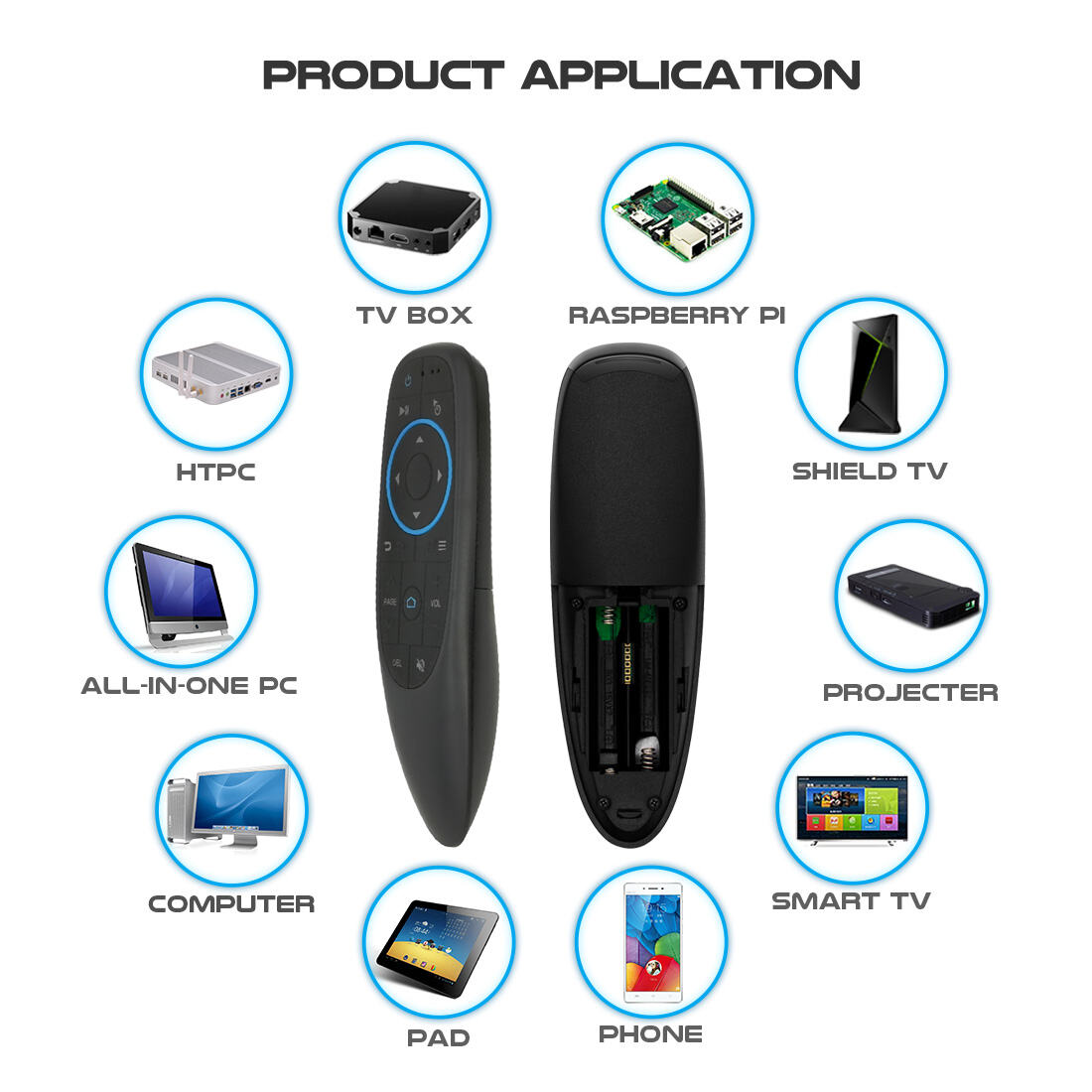
For PC, Tablet PC, HTPC, IPTV, Web TV, Smart TV, Google TV, Android TV Box/Stick, Projector
Home Appliances,Multi-media Devices,etc
Supported:
* Windows 2000, XP, Vista ,Windows CE,Windows 7
* Linux(Debian-3.1,Redhat-9.0 Ubuntu-8.10 Fedora-7.0 tested)
* Android OS (With standard USB interface)
[ MULTIFUCTION ]
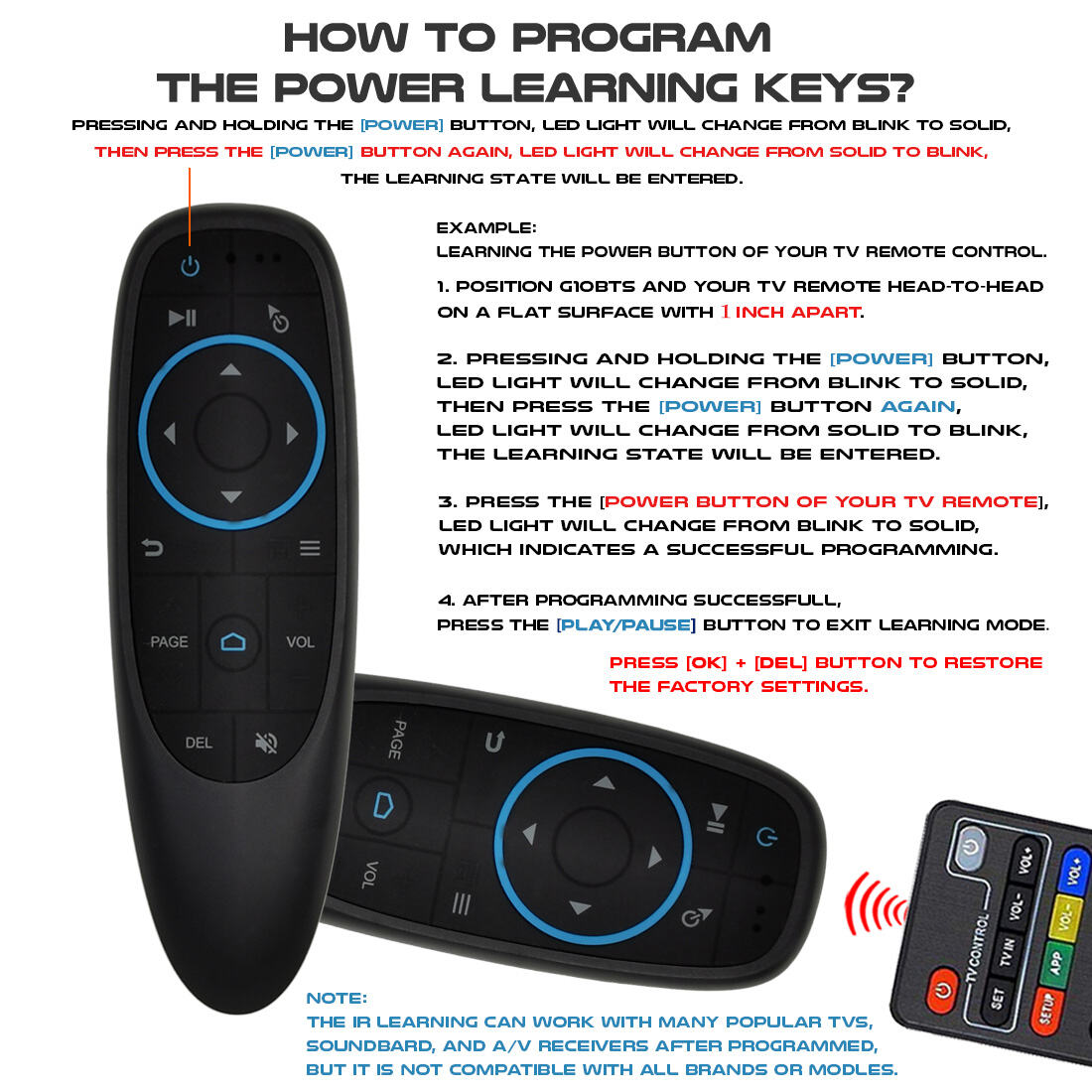
Bluetooth Air mouse Remote Control + IR remote learning mouse BT Supports stable and highly sensitive wireless control up to 10 meters.it also supports programming to control your devices in one. Press and hold the power key to enter the IR Learning mode.
[Bluetooth Paring ]
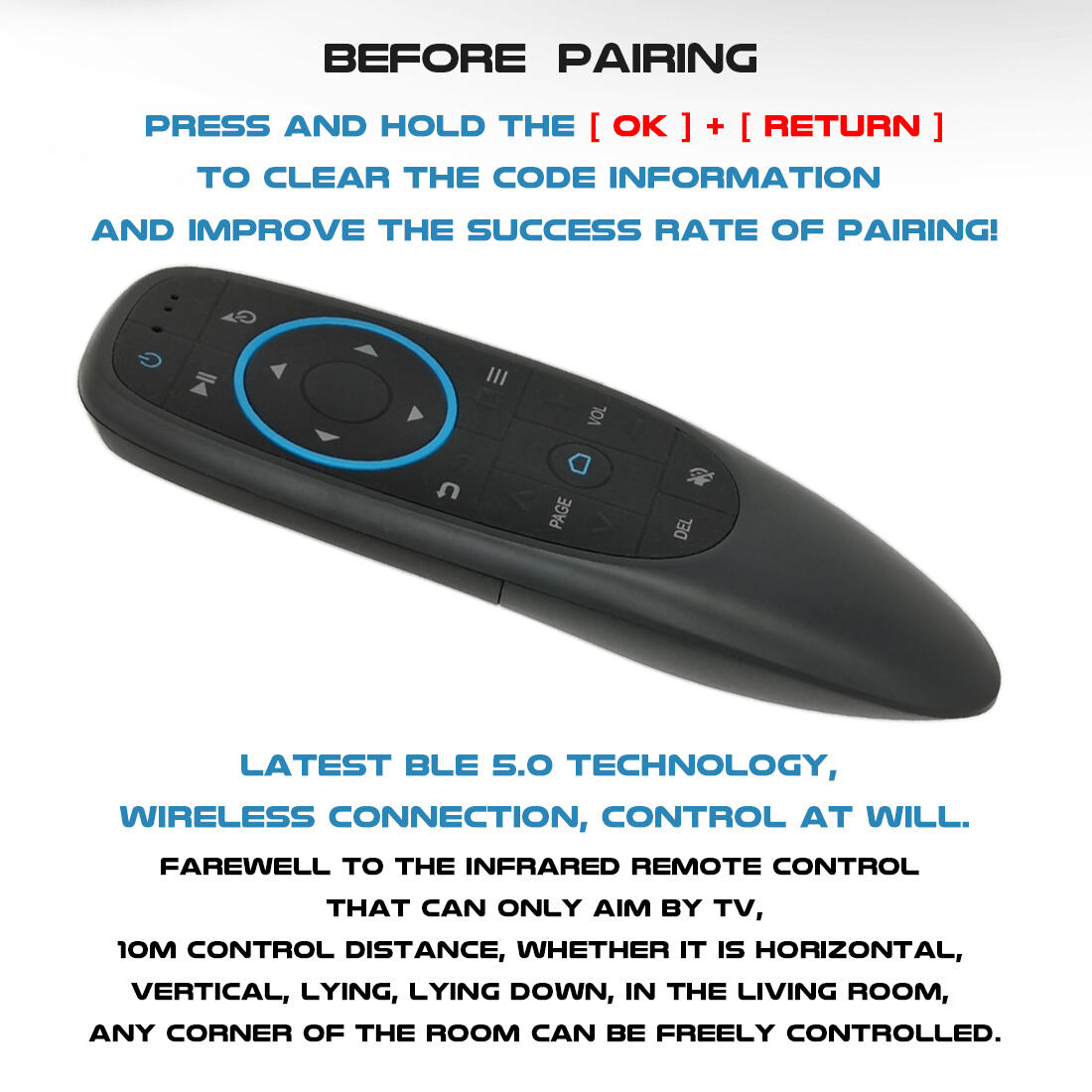
Bluetooth Connect way .Remote control using the BT mode, press and hold the OK and the return at the same time, 3 to 5 seconds to enter the pairing mode.
[6 Axis Gyroscope Motion Sensor ]
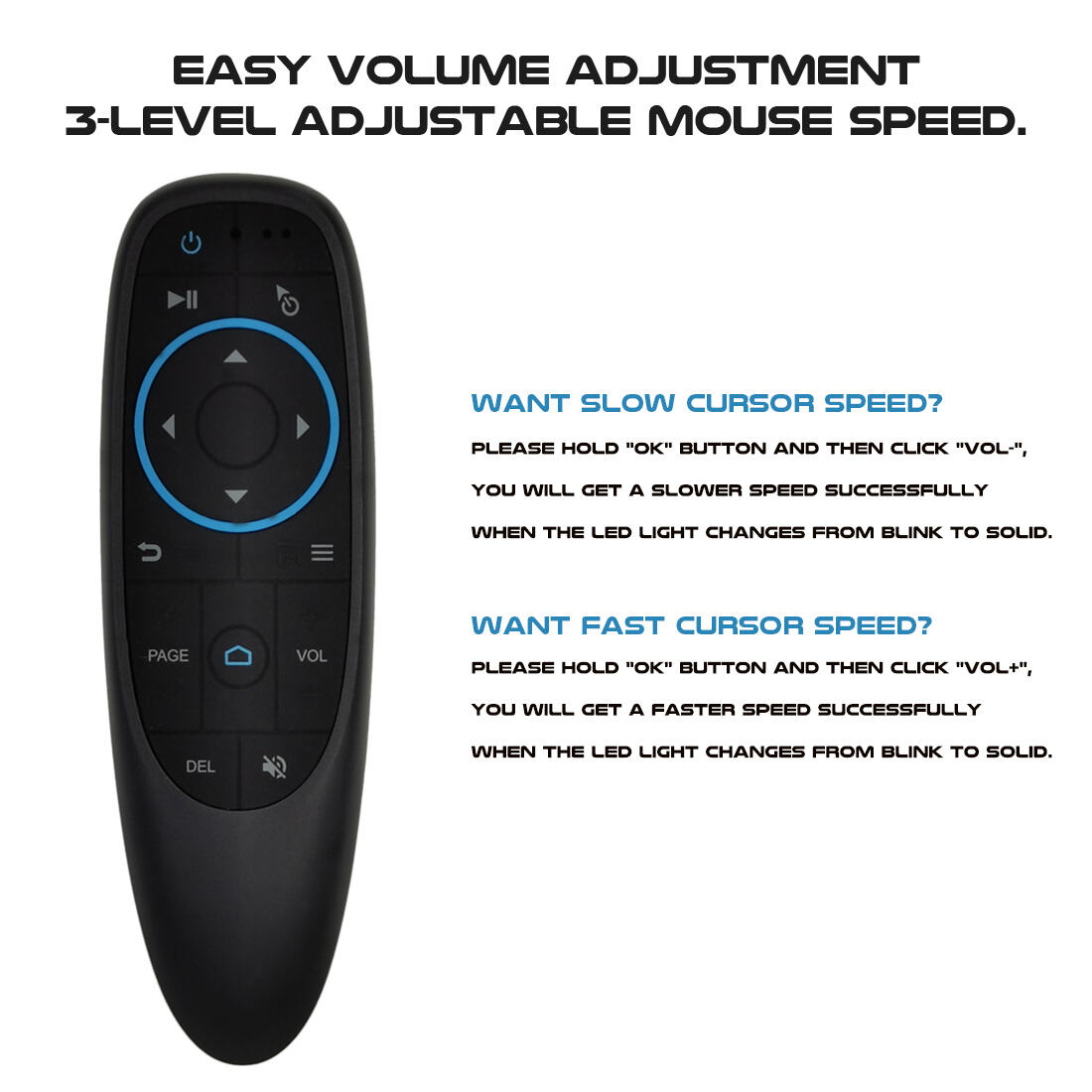
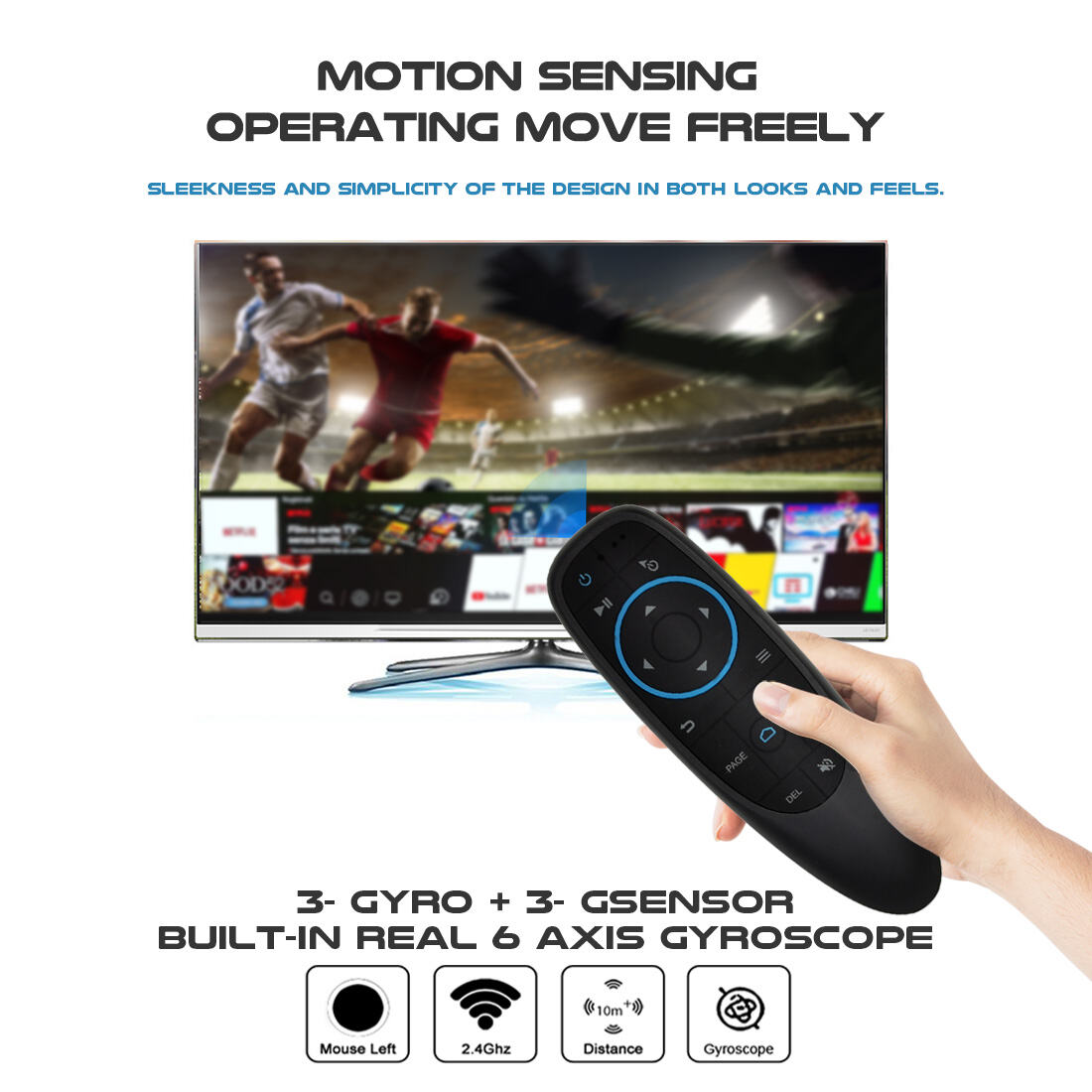
This air mouse remote control for PC supports mouse function and built-in 6-axis gyroscope, which can accurately detect the change of direction and speed to help you move the direction of the mouse pointer and control your device.
With 6Axis-Gyroscope Motion Sensor technology, it’s more convenient to easy operate in horizontal and vertical mode.
[ IR Learning Function ]
The power button support“infrared programming function”, it is easy to set this function only two steps according to the user manual.
4th Floor, Building E, Kaisheng Smart Park,Xingyu Road, Nanchang Community,Xixiang Subdistrict, Bao'an District,Shenzhen City, Guangdong Province,P.R.China
Copyright © Shenzhen Siegeon Technology Co.,Ltd. All Rights Reserved Privacy Policy